User flow maker
Screens, the actions between them, and the decisions that send people somewhere else. Enough fidelity to argue about the flow, not enough to argue about the visual design.
No account. Saved in this browser until you export it.
The pieces
What goes on the canvas
- Screen
- A page the user sees
- Mobile screen
- A screen on a phone
- User action
- Something the user does
- Decision
- A branch in the flow
- Entry / Exit
- Where the flow starts or ends
- System action
- Something the system does
Building one
From blank canvas to finished diagram
- 1Start at the entry point. How does someone arrive here at all?
- 2Add screens as browser or mobile frames, keeping the labels functional.
- 3Put the decisions where the user makes them, and label both branches.
- 4Follow every branch to an exit. Unfinished branches are where flows leak.
Where it helps
Good uses
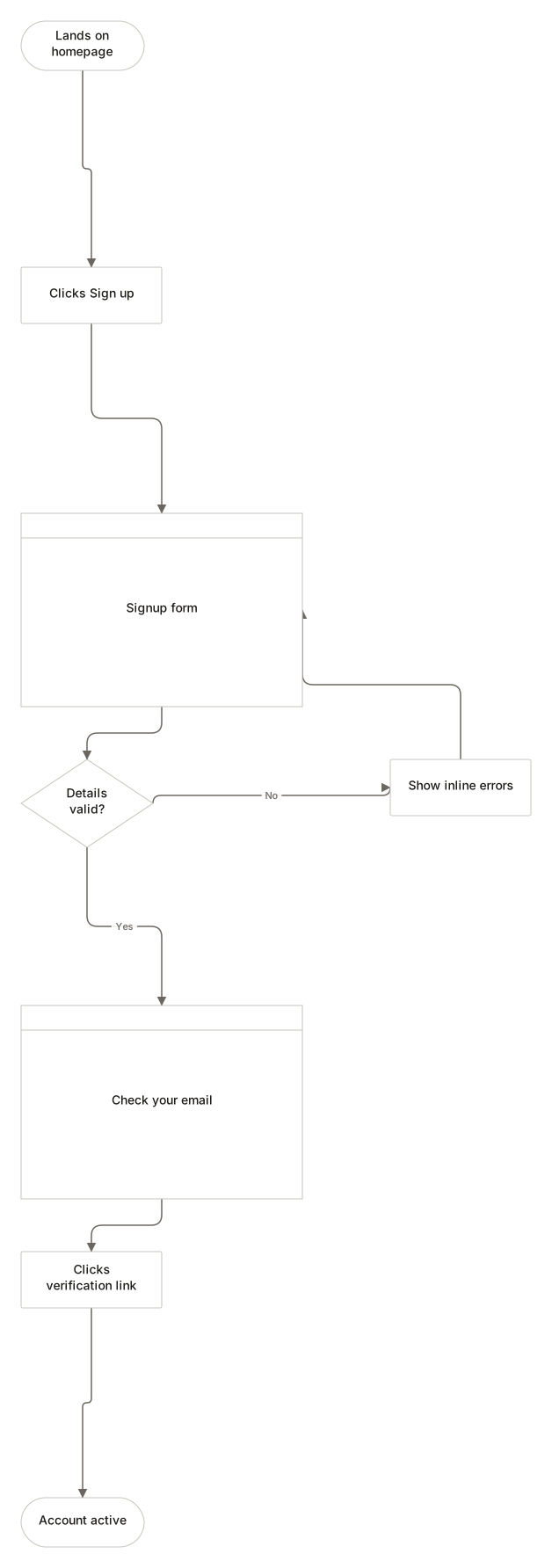
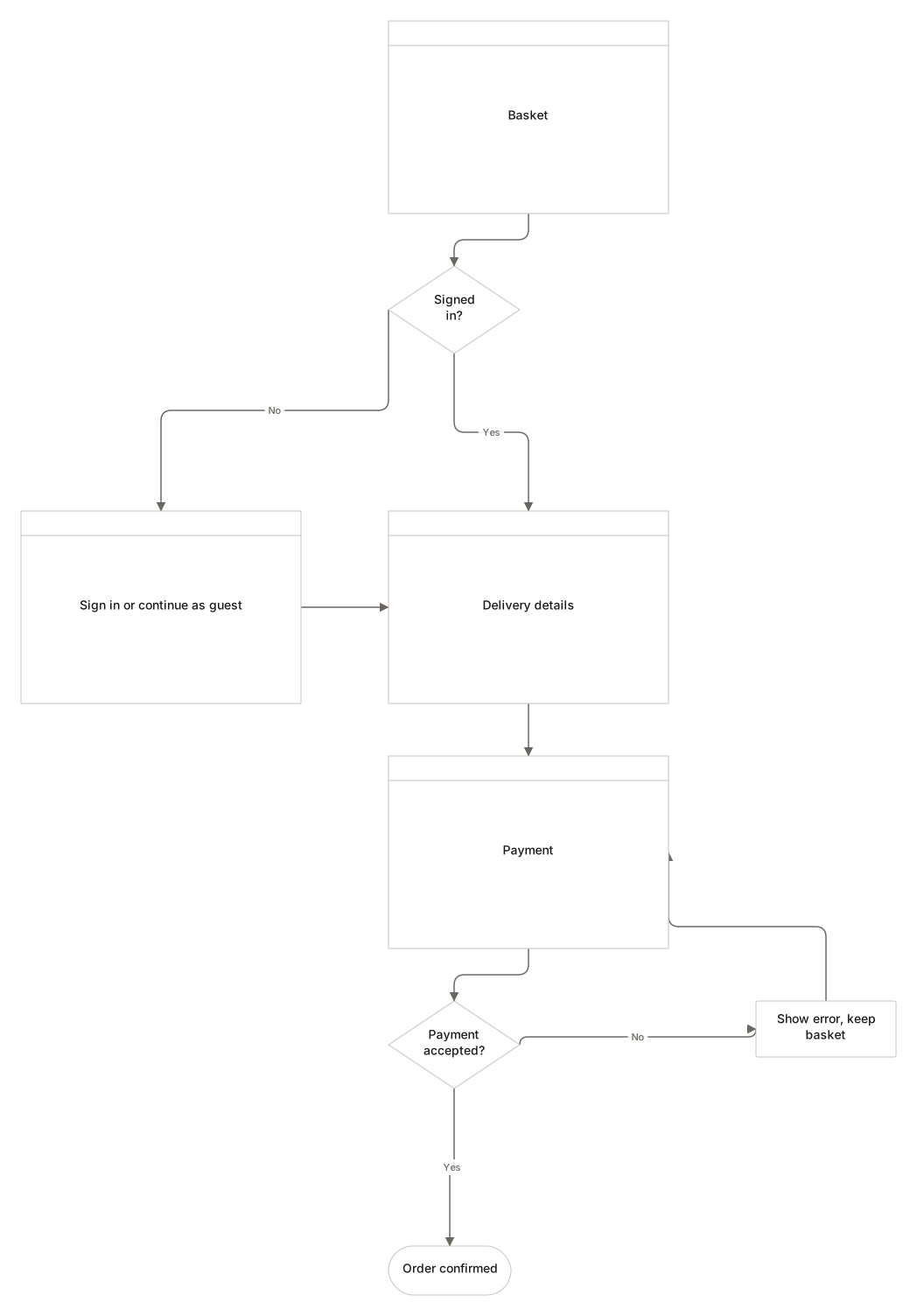
Signup and checkout
The two flows that decide whether anything else matters.
Password reset
Always more complicated than anyone remembers.
Booking journeys
Where the branch count reveals the real complexity.
Onboarding
What happens on second launch, not just first.
Questions
Asked often
- How is this different from a flowchart?
- A user flow is a flowchart about screens and the person moving between them. Same grammar, narrower subject.
- Should I use real screen designs?
- No. Low fidelity keeps the conversation on the flow. When the flow is settled, design the screens.
- Can I show mobile and desktop together?
- Yes, both frame types are in the palette. Whether that helps depends on how much the flows diverge.
- Is it stored online?
- No. It stays in this browser until you export it.
Follow the path through
Nothing to sign up for. The diagram stays on this device.