Free, works offline, no account
Ideas make more sense when you can see them
Create flowcharts, mind maps, org charts, technical diagrams and project roadmaps directly in your browser.
No account. No cloud workspace required.
think visually. keep the file.
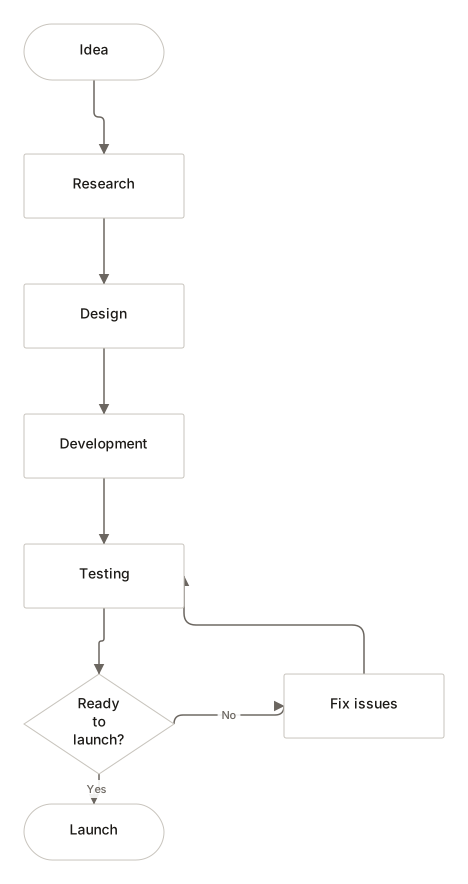
Diagram types
Seventeen kinds of diagram, one canvas
Each type brings its own shapes and shortcuts. The editor underneath stays the same, so what you learn once keeps working.
- FlowchartsSteps, decisions and the loop back to testing.
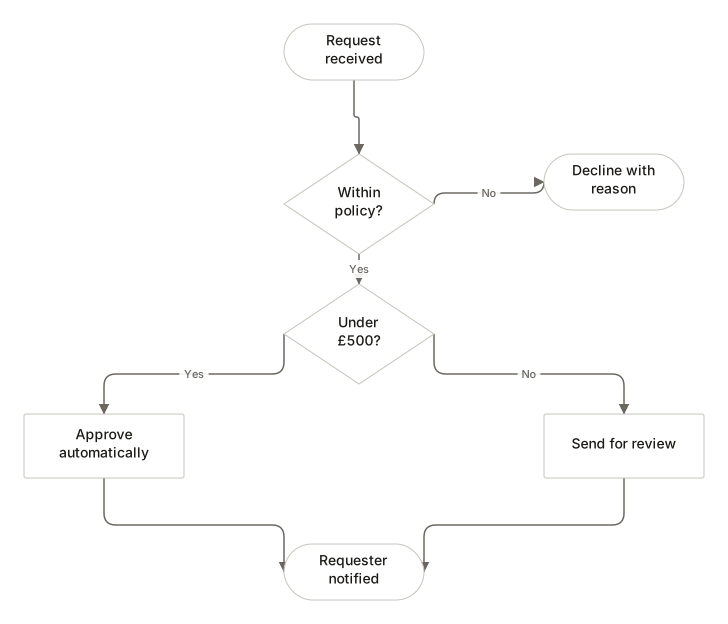
- Mind mapsOne topic, branching outward, built from the keyboard.
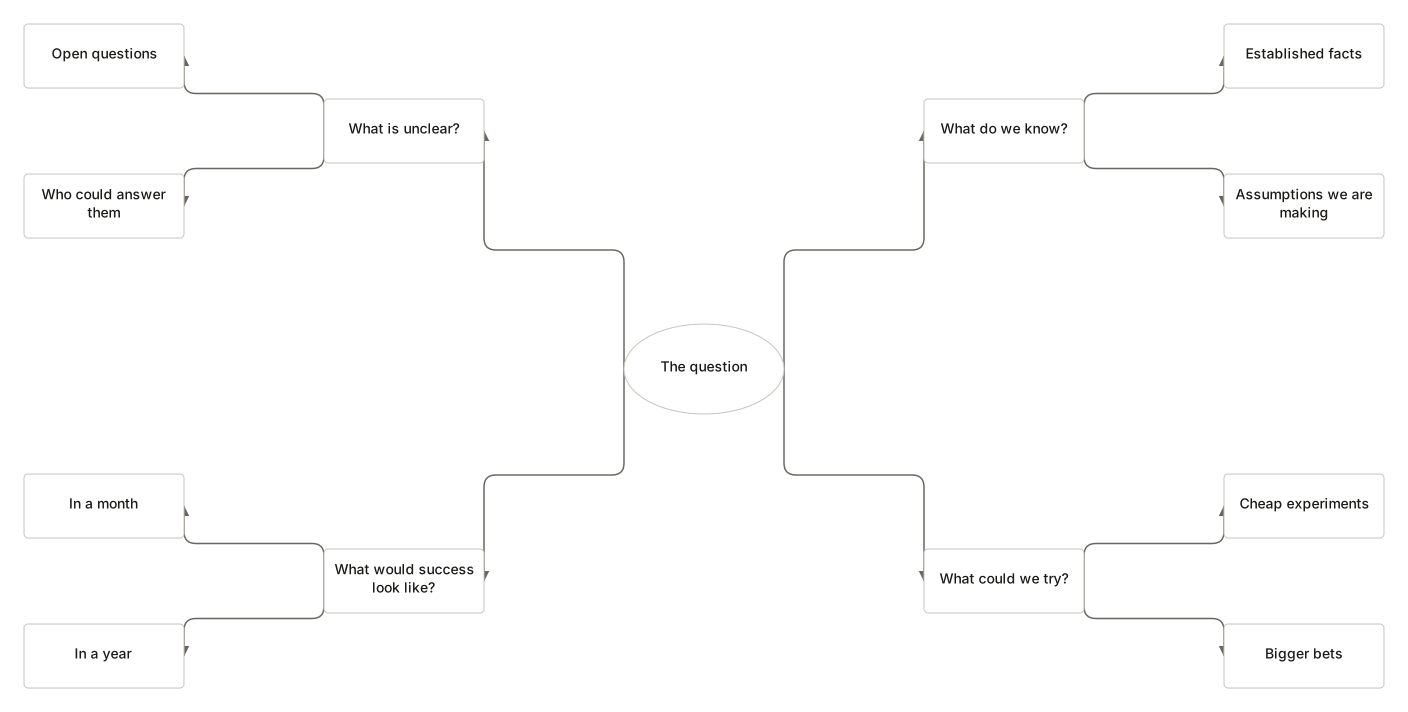
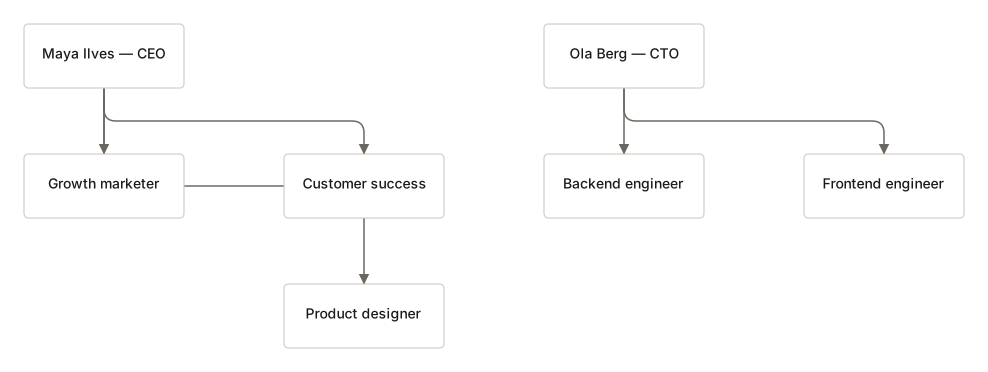
- Org chartsReporting lines, or a CSV that becomes one.
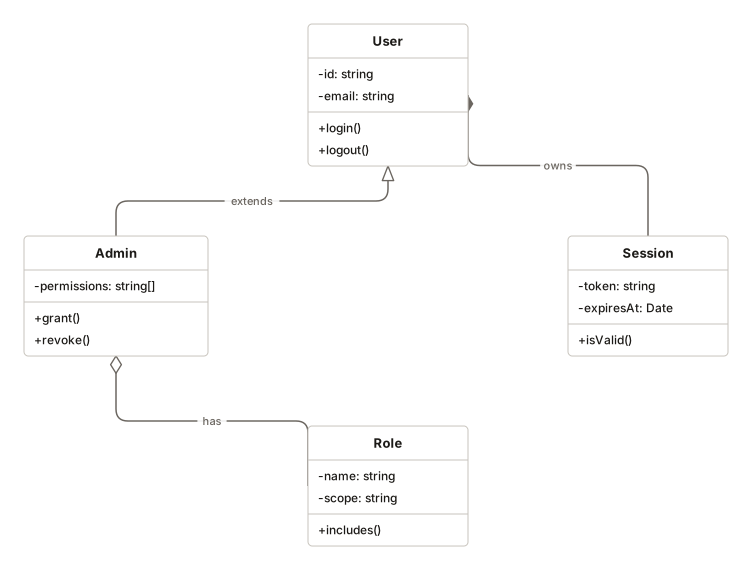
- UMLClass diagrams with attributes, methods and relationships.
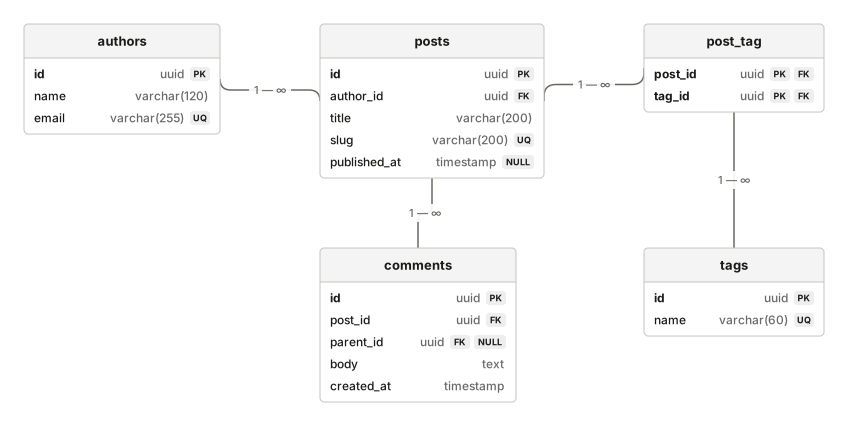
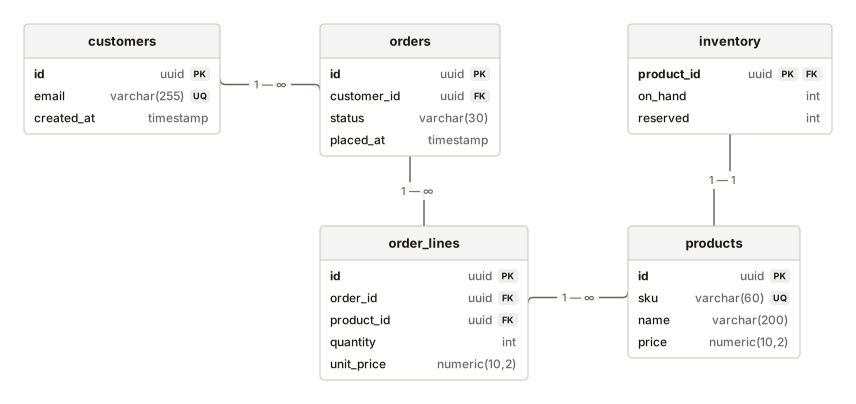
- ER diagramsPaste a schema and the tables lay themselves out.
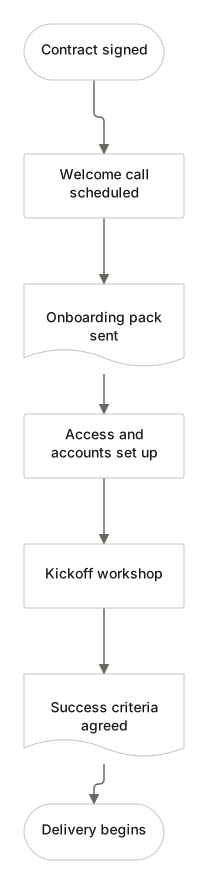
- Process mapsWhat happens, in order, and who owns each step.
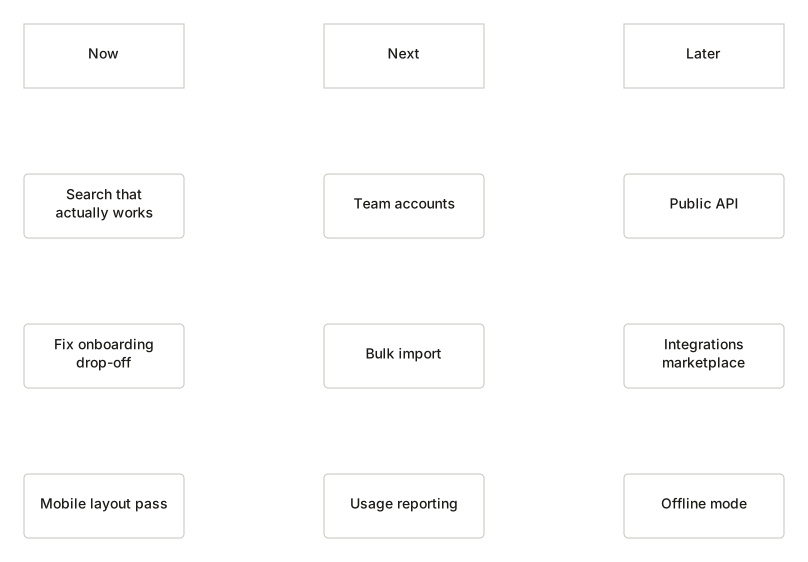
- RoadmapsNow, Next and Later, or quarters if you prefer.
- TimelinesDates as precise or as vague as the record allows.

A diagram tool without the account wall
The usual way
Sign up, then draw
- Create an account before the first box
- Diagrams live on someone else's server
- Export formats can depend on your plan
- Needs a connection to open your own work
DiagramDock
Open the page, draw
- No account, no sign-up, no email address
- Diagrams stay in this browser
- SVG, PNG, PDF, JSON and Mermaid, all free
- Works offline once it has loaded
The editor
A canvas that stays out of the way
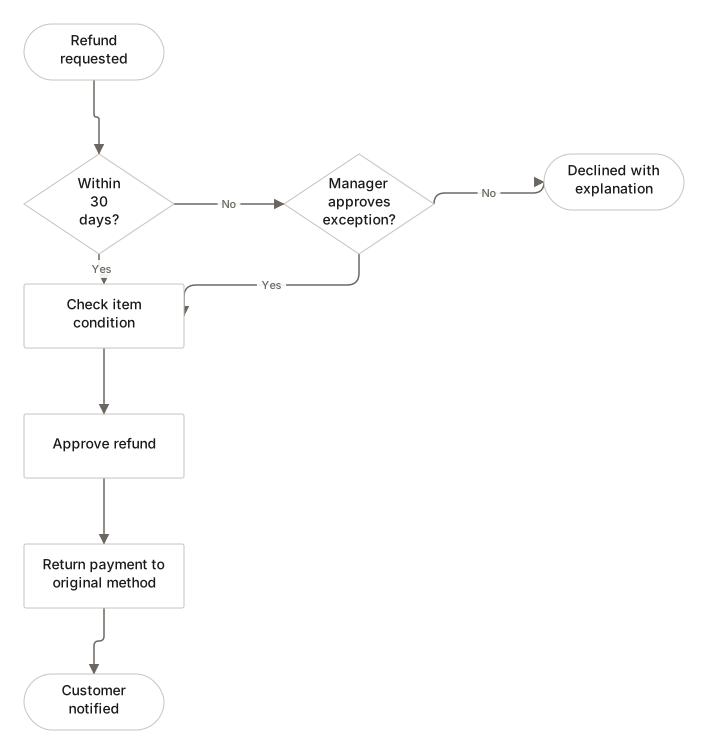
Quick-add, already connected
Select a shape, click a side, and the next step arrives connected and ready for its label. A whole drag is one undo step, not sixty.
- Standard flowchart symbols
- Labelled Yes/No branches
- Advisory checks for unreachable steps
Your work stays local
Saved in this browser. Never uploaded.
Diagrams are stored with IndexedDB on this device. There is nowhere to upload them to: DiagramDock has no server, no database and no account system.
The cost, stated plainly: clearing browser data removes your diagrams, and they do not follow you to another computer unless you export them.
See what is stored in this browserExport without lock-in
SVG and PDF are drawn from the diagram itself as true vector art, with real shapes and selectable text that any vector editor or browser can open.
- SVG
- PNG
- DiagramDock file
- Mermaid
Templates
Start from something useful
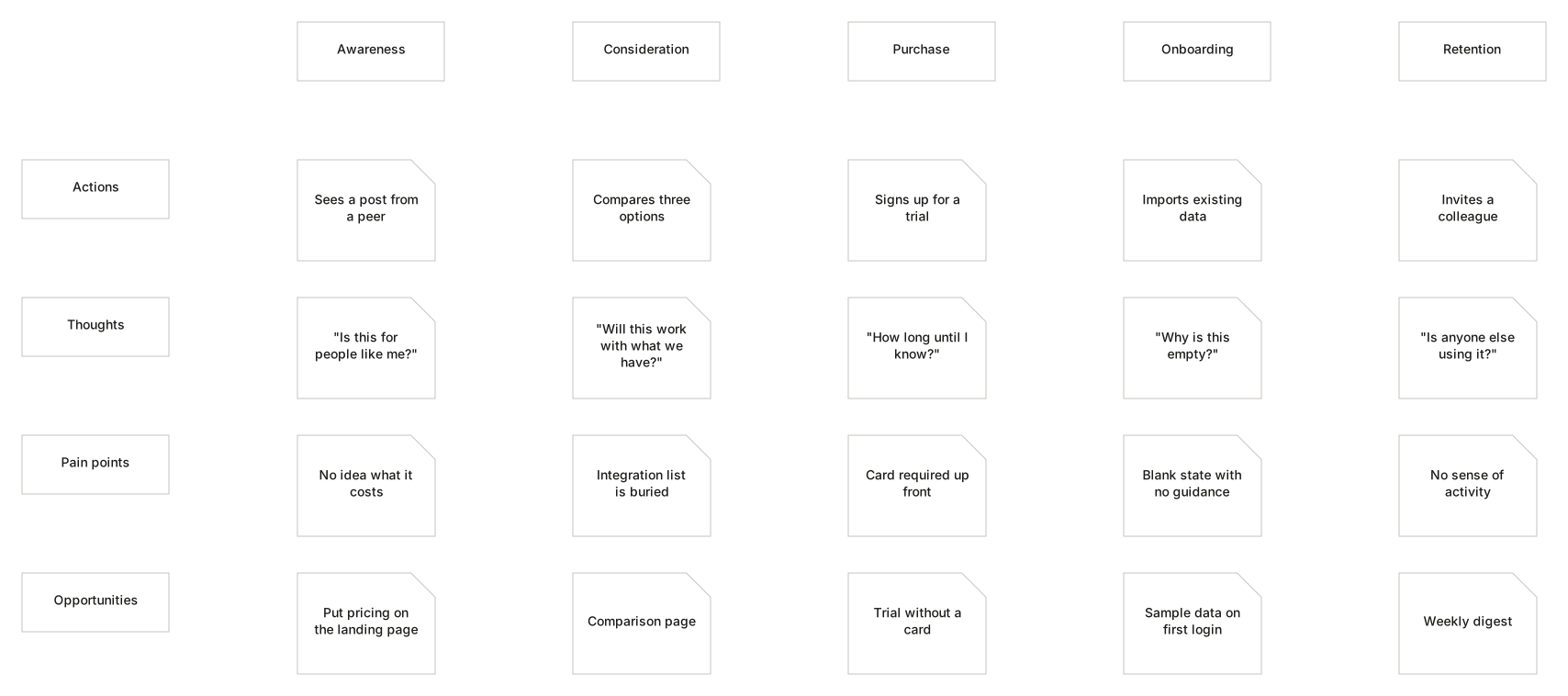
60 templates with real content: a refund process with an actual policy window, a schema with the columns that cause arguments.
Who it is for
Built for different kinds of thinking
- Software development
- Business processes
- Education
- Project management
- Research
- Product design
- Organisation design
- Personal planning
Questions
- Do I need an account?
- No. There are no accounts, and no server holding them.
- Where are my diagrams stored?
- In this browser, using IndexedDB. Nothing is uploaded.
- Does it work offline?
- Yes, once the app has loaded once. The editor and your workspace open without a connection.
- Is there collaboration?
- No. Real-time editing needs a server, and there isn't one. Share by exporting a file.
Put the idea on a canvas
Put the process on the canvas. The bottleneck usually becomes obvious.
Create diagram