Flowchart maker
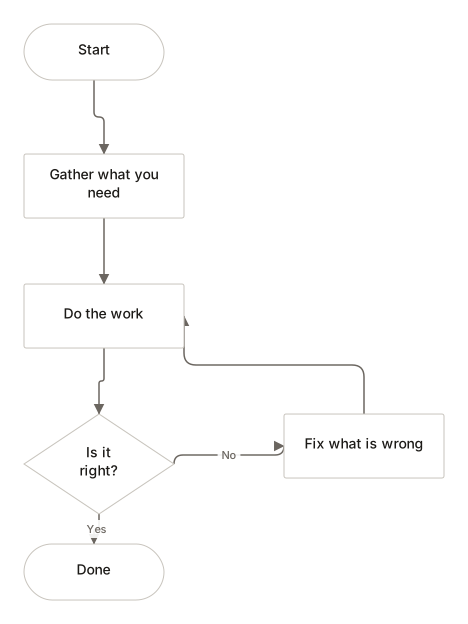
A flowchart shouldn't need another meeting to explain it. Draw the steps, label the decisions, and let the shape of the process speak for itself.
No account. Saved in this browser until you export it.
The pieces
What goes on the canvas
- Start / End
- Where the process begins or finishes
- Process
- A step that does something
- Decision
- A question with two or more answers
- Input / Output
- Data going in or coming out
- Document
- A printed or written record
- Database
- Stored data
- Manual input
- Someone enters something by hand
- Preparation
- Setup before the next step
- Delay
- A wait or hold
- Connector
- Continues the flow elsewhere
Building one
From blank canvas to finished diagram
- 1Place a Start/End shape and name the trigger: what kicks the process off.
- 2Select it and click the + handle underneath. The next shape arrives already connected, ready for its label.
- 3At a decision, add two branches and label the connectors. Yes and No are one click.
- 4Finish with a Start/End shape. The suggestions panel flags anything unreachable.
Examples
Start from a real one
Where it helps
Good uses
Onboarding a new hire
Who does what, in what order, and where approval is needed.
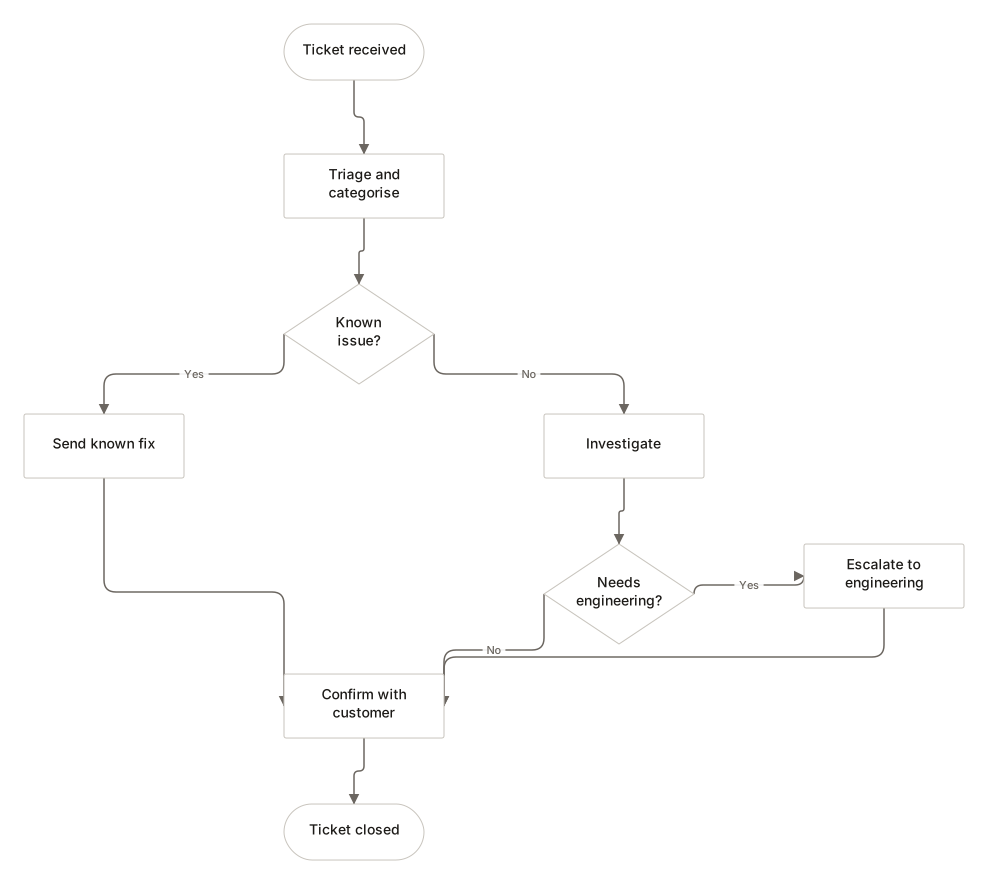
Handling a support ticket
Escalation paths become obvious once the branches are drawn.
Refunds and returns
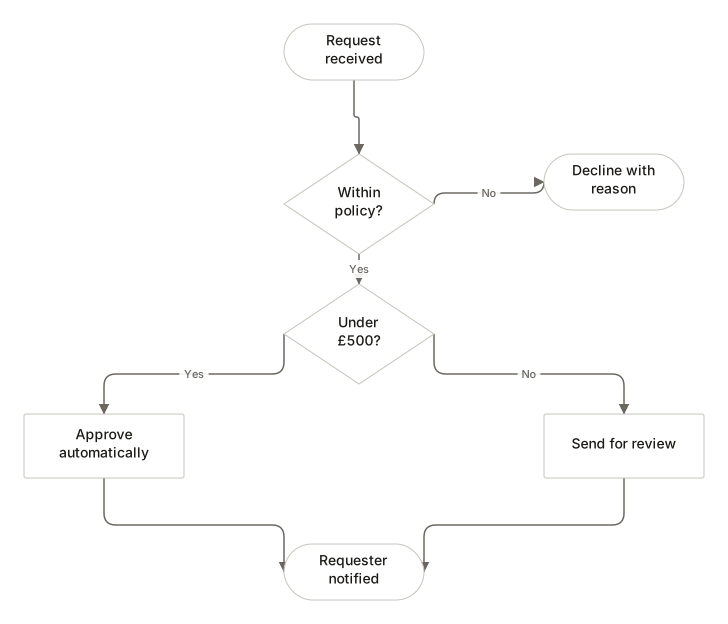
The conditions that change the outcome sit on the connector labels.
Deployment steps
Manual gates stand out when they are on the page rather than in someone's head.
Questions
Asked often
- Do I need an account to make a flowchart?
- No. DiagramDock has no accounts and no server to hold them. Open the editor and start drawing.
- Where is my flowchart saved?
- In this browser, using IndexedDB. It is not uploaded anywhere. Clearing your browser data removes it, so export anything you want to keep.
- What do the flowchart shapes mean?
- A rounded terminator marks the start and end. A rectangle is a step that does something. A diamond is a decision with two or more labelled answers. A parallelogram is input or output.
- How many shapes should a flowchart have?
- Fewer than you think. If a chart no longer fits on one screen, it is usually two processes that deserve separate diagrams.
Draw the process
Nothing to sign up for. The diagram stays on this device.