Roadmap maker
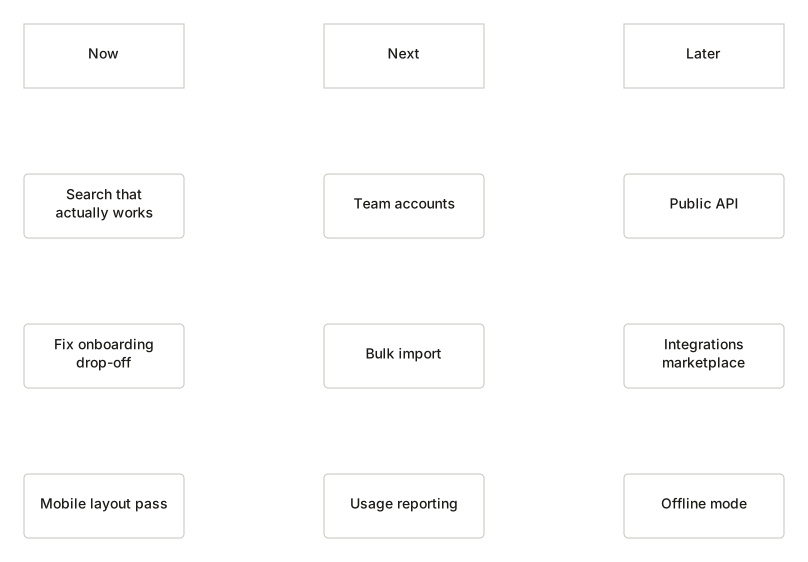
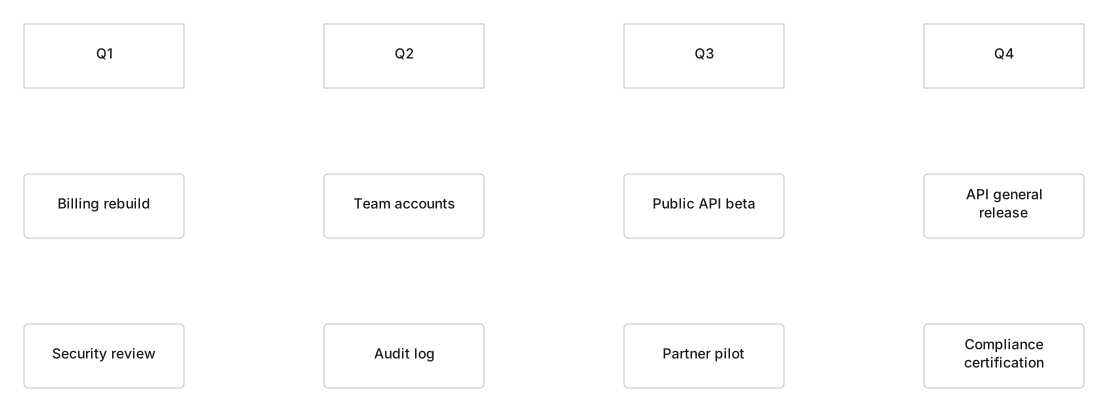
Now, Next and Later — or quarters, if your organisation insists. Items carry a status and an owner label, though the label is just text: there are no accounts here to assign anything to.
No account. Saved in this browser until you export it.
The pieces
What goes on the canvas
- Item
- A piece of work with a status
- Theme
- A group of related items
- Note
- A caveat worth recording
Building one
From blank canvas to finished diagram
- 1Pick a layout. Now/Next/Later ages better than dates you will have to defend.
- 2Add items with a status. Idea, planned, in progress, done, parked.
- 3Drag items between columns as reality intervenes.
- 4Change layout later — items remap positionally rather than being orphaned.
Where it helps
Good uses
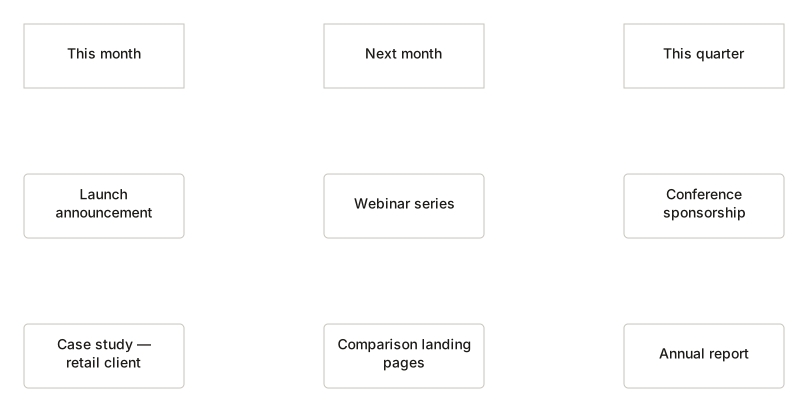
Product planning
The honest version, where Later means Later.
Stakeholder updates
One page beats a status meeting.
Team priorities
Makes visible what is not being done.
Personal development
The same shape works for a year of your own.
Questions
Asked often
- Can I assign items to people?
- No. The owner field is a text label. DiagramDock has no accounts, no user directory and no notifications, so it would be dishonest to call it assignment.
- What happens if I switch layout?
- Items remap positionally — the first column maps to the first, and so on. Nothing is orphaned.
- Are there dependencies or Gantt bars?
- No. This is a roadmap, not a project plan. A timeline may suit you better if dates are the point.
- Is it shared with my team?
- Not by DiagramDock. Export it and send the file, or present it from this device.
Show what comes next
Nothing to sign up for. The diagram stays on this device.