Mind map maker
Start with the thing in the middle and let the branches argue with each other. Tab makes a child, Enter makes a sibling, and the map keeps up with your typing.
No account. Saved in this browser until you export it.
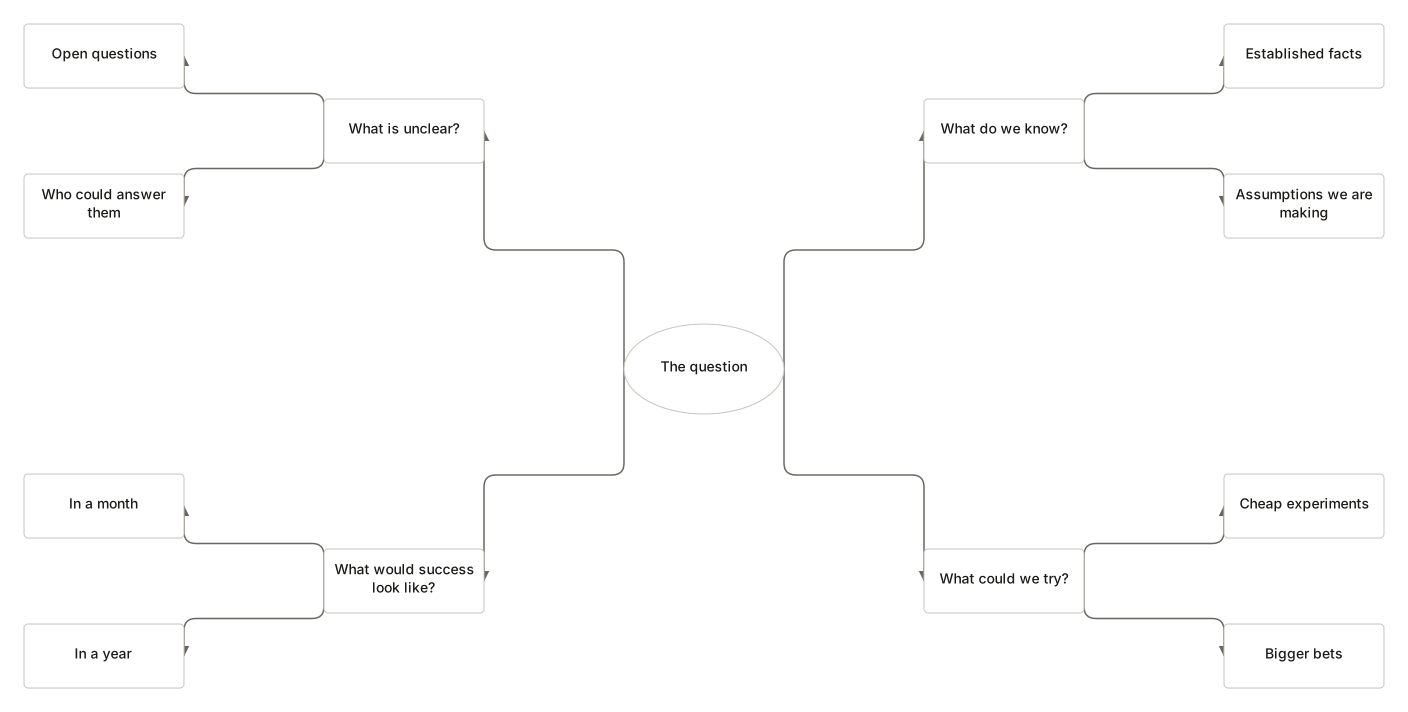
The pieces
What goes on the canvas
- Topic
- A branch of the idea
- Central topic
- What the map is about
- Note
- A detail worth keeping
Building one
From blank canvas to finished diagram
- 1Name the central topic. One noun phrase is usually enough.
- 2Press Tab to add a child branch. Type its label and press Tab again to go deeper.
- 3Press Enter for a sibling at the same level, or Shift+Tab to promote a branch that grew more important than its parent.
- 4Press Space to collapse a branch you are done with, then pick a layout to tidy the whole map.
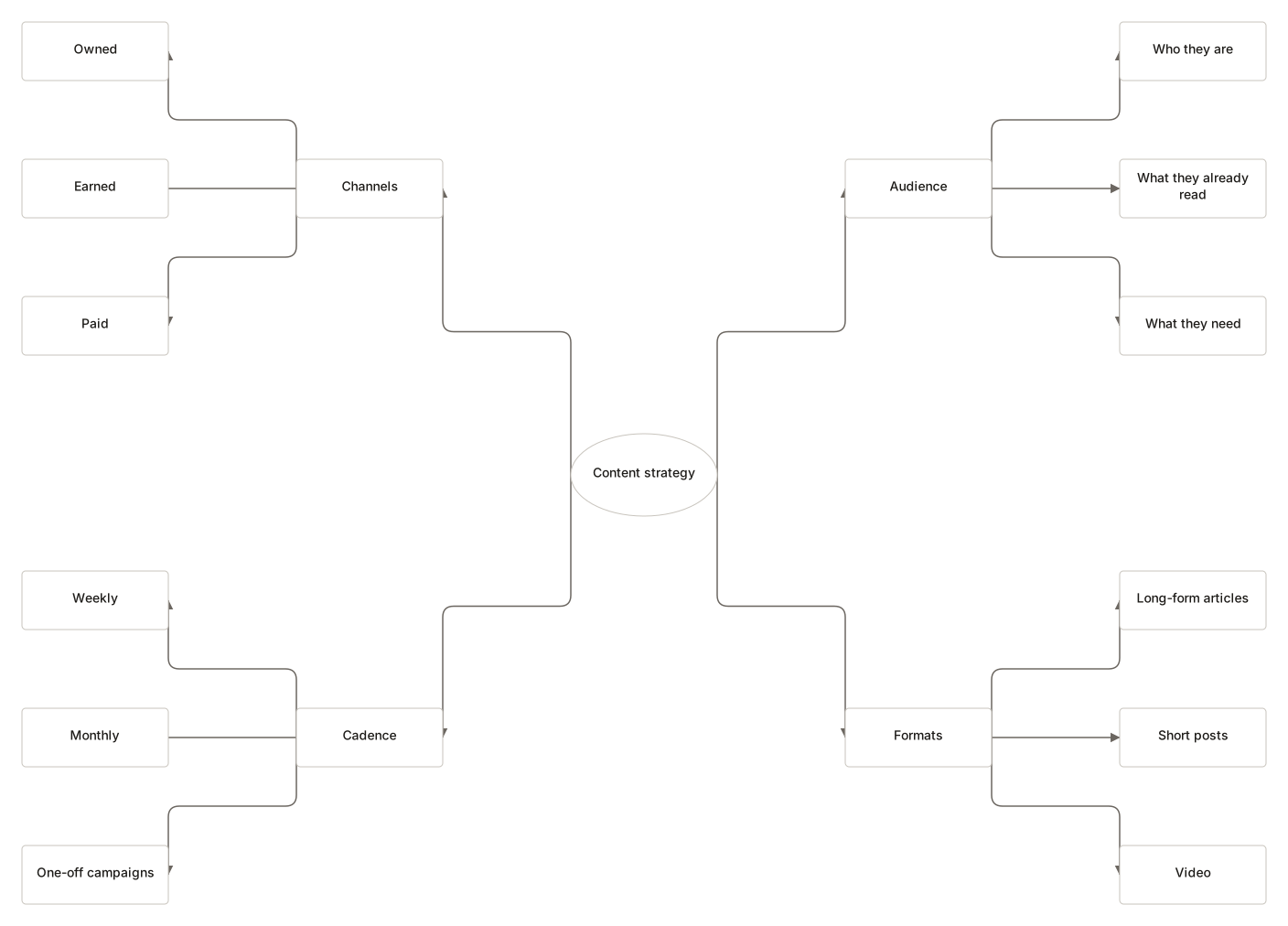
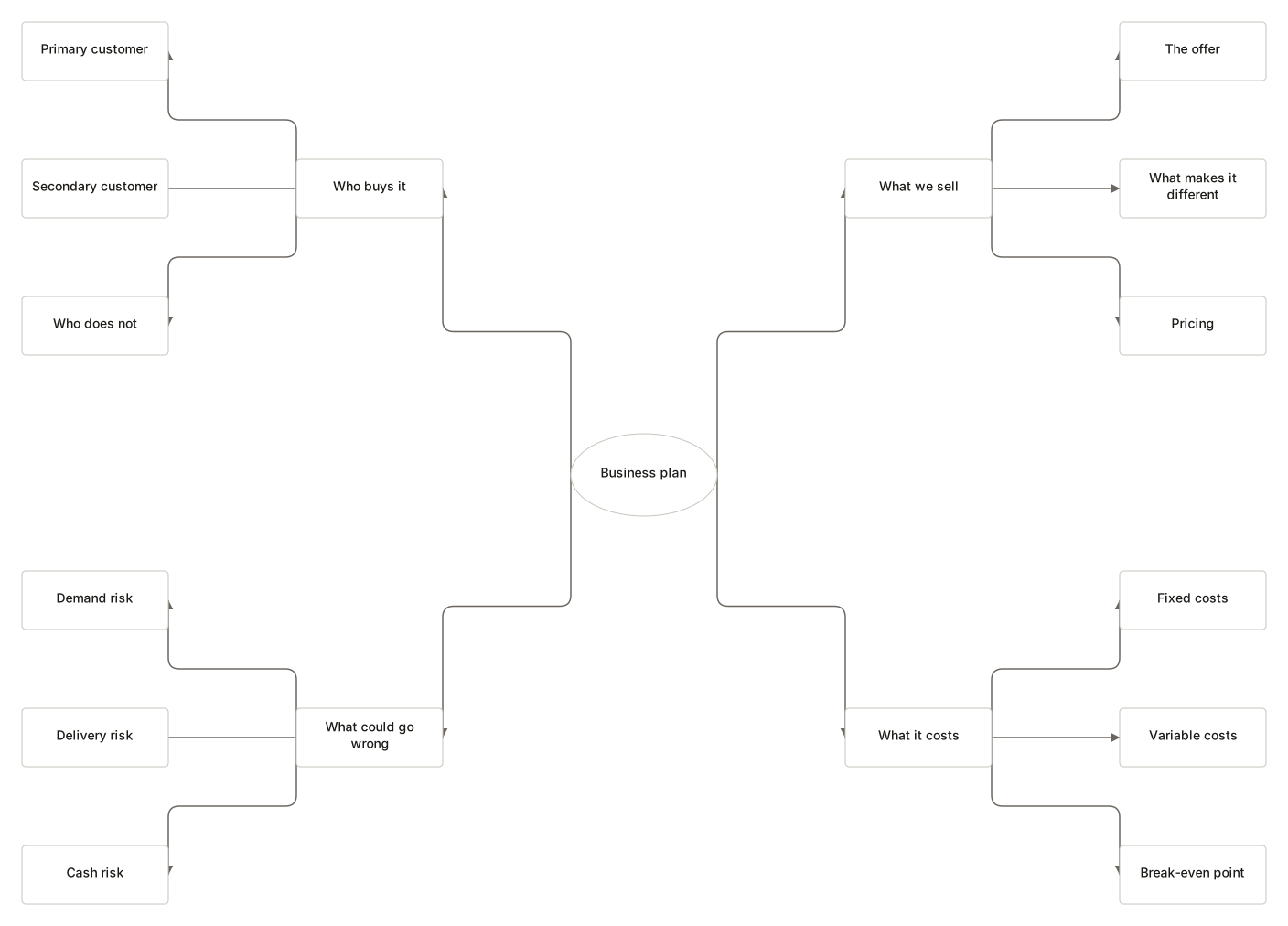
Where it helps
Good uses
Working out what you think
Getting the half-formed version out of your head is most of the job.
Notes from a book or talk
Structure emerges as you go, rather than being decided up front.
Planning an article
Branches become sections; the ones that stay thin probably were not sections.
Brainstorming with a whiteboard
Capture the session, then rearrange it once the shouting stops.
Questions
Asked often
- How is a mind map different from a flowchart?
- A flowchart shows a sequence with decisions. A mind map shows how ideas relate to one central topic, with no order implied.
- Can I collapse branches?
- Yes. Select a topic and press Space. The collapsed state is saved with the map.
- What do the four layouts do?
- Right and left trees fan one way. Balanced splits top-level branches across both sides. Radial arranges them in a circle, which suits maps with many short branches.
- Do I need an account?
- No. There are no accounts. The map is stored in this browser until you export it.
Get the idea out of your head
Nothing to sign up for. The diagram stays on this device.